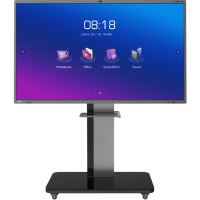
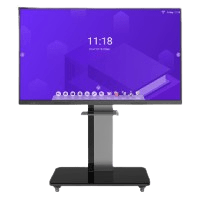
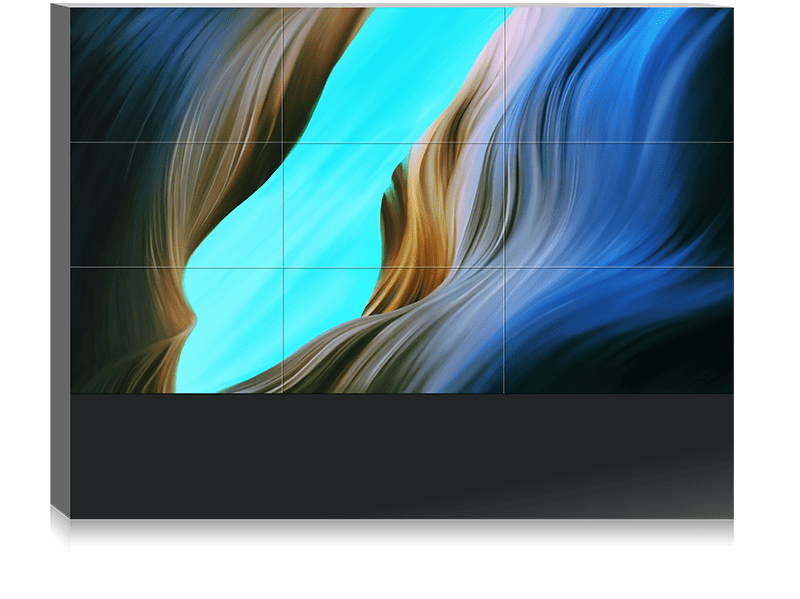
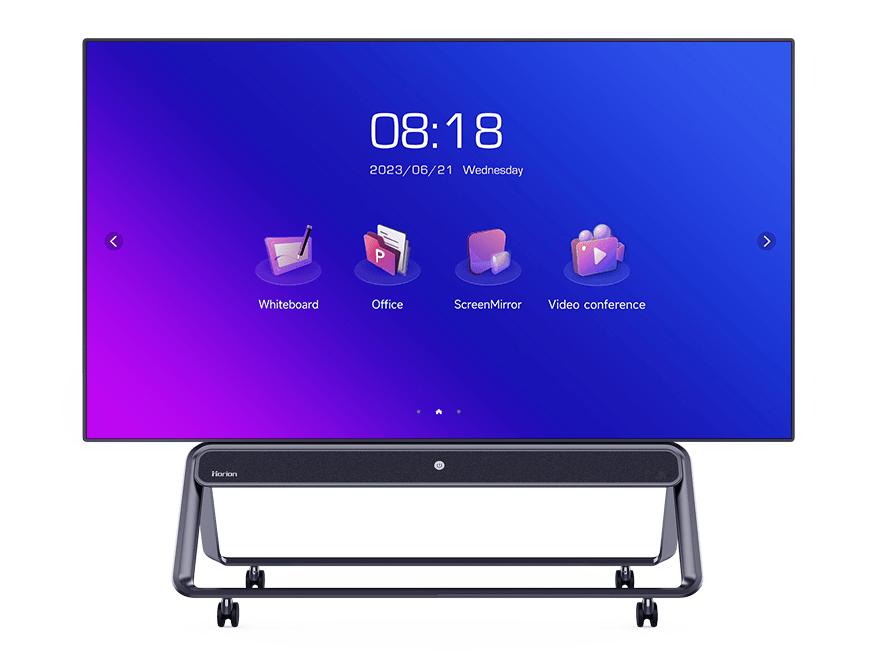


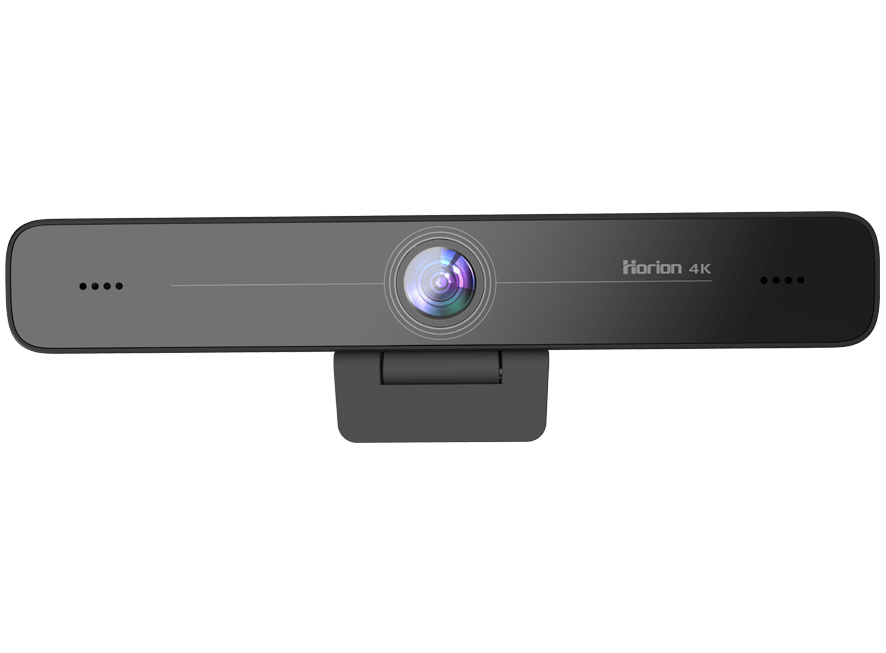
A 4k interactive display is no longer just a trendy piece of tech sitting inside offices, classrooms, and retail spaces. It has quietly become one of the most powerful display tech available today.
While most people get excited about features like sharp resolution, there are several underrated features that often go unnoticed.
These hidden capabilities can completely shift how teams work or brands communicate visually. Ignoring them means missing out on opportunities to maximize the display’s true value. In this blog, we’re uncovering seven lesser-known features that deserve far more attention.
Advanced Gesture Recognition
Most users rely on basic multi-touch gestures like pinch-to-zoom, but the latest displays support far more advanced interaction. Customizable gesture controls allow presenters to switch modes. They can open apps, annotate, or shift between content instantly without touching menus.
These gestures structure the entire user experience, especially during live sessions. Instead of jumping back to on-screen icons, teams can focus on maintaining flow.
When integrated properly into daily tasks, gesture shortcuts save time. They also reduce friction, and make the device feel like a natural extension of the presenter.
Built-In Teamwork Suites
A powerful but often overlooked feature of a 4k interactive display is the built-in teamwork environment. While many users rely on things like connected laptops, today’s displays come preloaded with real-time whiteboarding. Apart from that there’s cloud sharing, video conferencing, wireless casting, and multi-user annotation.
This means teams can work even if no one has a device plugged in. Everything is ready the moment the screen powers on. These native suites are designed to be fast, making them ideal for daily huddles or strategy sessions. Most organizations underuse these features simply because they don’t explore everything the software offers.
Multi-Zone Screen Interaction
This feature dramatically changes engagement but rarely gets talked about. Multi-zone interaction allows different users to work on separate sections of the same screen at the same time.
Students can solve problems in their own zones. Designers can brainstorm across divided sections. Furthermore, teams can compare ideas without swapping screens or turning pages.
It is one of the most powerful ways to 2x teamwork because it eliminates the “one-person-at-a-time” bottleneck. When configured correctly, multi-zone layouts help eliminate crowding around the display.
High-Level Data Security
With so many businesses moving sensitive data onto digital screens, security features inside an interactive display matter more than ever.
Yet most people ignore them entirely. Displays today include features like secure data encryption. There are also other great features like automatic file wiping after meetings.
Additionally, there are guest modes that restrict access when an external presenter connects to the screen.
These features keep confidential discussions protected without requiring additional IT configurations. Overlooking built-in security means missing out on powerful safeguards already included in the device.
Integrated Device Management
Centralized device management is a hidden gem. This is helpful for organizations with multiple displays across different locations.
IT teams can remotely update software while also troubleshooting issues without visiting every room physically. This saves countless hours dramatically reducing downtime.
These management dashboards also generate analytics on usage patterns. This helps decision-makers optimize meeting room environments.
Despite being incredibly valuable, this feature is often unused simply because teams aren’t fully aware of how powerful it can be.
AI-Enhanced Tools and Automation
AI is quietly changing how we use interactive displays, yet many people overlook these smart capabilities. AI-assisted handwriting recognition automatically converts messy writing into clean digital text.
Features like voice commands let presenters control functions hands-free. AI sharpening improves image clarity in real time. Some displays even enhance audio by reducing background noise during video meetings.
The goal of these AI applications is to remove friction so that users stay focused on presenting rather than managing the tech.
Anyone who spends time on brainstorming sessions, remote meetings, or classroom lessons can benefit massively from these built-in enhancements.
Wireless Multi-Device Casting
Everyone knows you can cast your screen to a display, but few realize how advanced wireless casting has become.
Modern systems allow simultaneous casting from multiple devices at once. This means teams can compare designs, review dashboards, or brainstorm ideas side by side without switching inputs.
It eliminates cable clutter while supporting more dynamic group discussions. This underrated feature turns the display into a central point for easy content sharing. With strong network support, even high-resolution media streams smoothly.
FAQs
What makes a 4k interactive display different from a regular screen?
It combines ultra-clear resolution with touch, collaboration tools, and smart software designed for interactive use.
Are multi-zone features useful for classrooms?
Yes, they allow several students to work on the same screen simultaneously, improving engagement and participation.
Can you use advanced gestures without training?
Most gestures are intuitive and easy to learn, similar to smartphone controls.
Do these displays support remote meetings?
Yes, they include built-in video conferencing apps and tools for hybrid collaboration.
Is wireless casting secure?
Modern casting solutions use encryption and network authentication for safe screen sharing.
How does AI improve productivity on the display?
AI enhances handwriting recognition, voice commands, image quality, and noise reduction.
Can IT teams manage multiple displays remotely?
Yes, centralized dashboards allow total control and monitoring from one location.
Are built-in apps better than external software?
They are optimized for faster performance and instant accessibility without setup delays.
Do interactive displays replace traditional projectors?
In most workplaces and classrooms they do, thanks to better clarity, brightness, and collaboration features.
Is the display suitable for creative teams?
Absolutely, especially with multi-user writing, wireless casting, and real-time annotation.
Conclusion
A 4k interactive display is far more capable than most users realize. While the crystal-clear visuals are often the first thing people admire, the true power lies in the automated features working behind the scenes.
When teams start leveraging advanced features like multi-zone interactio the, productivity rises dramatically.
Most of these underrated features are already available without any extra purchase—businesses simply need to activate them.
By understanding the full potential of these displays, organizations can get more meaningful engagement across every environment.