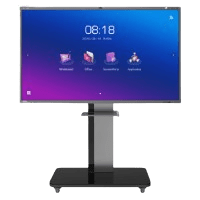
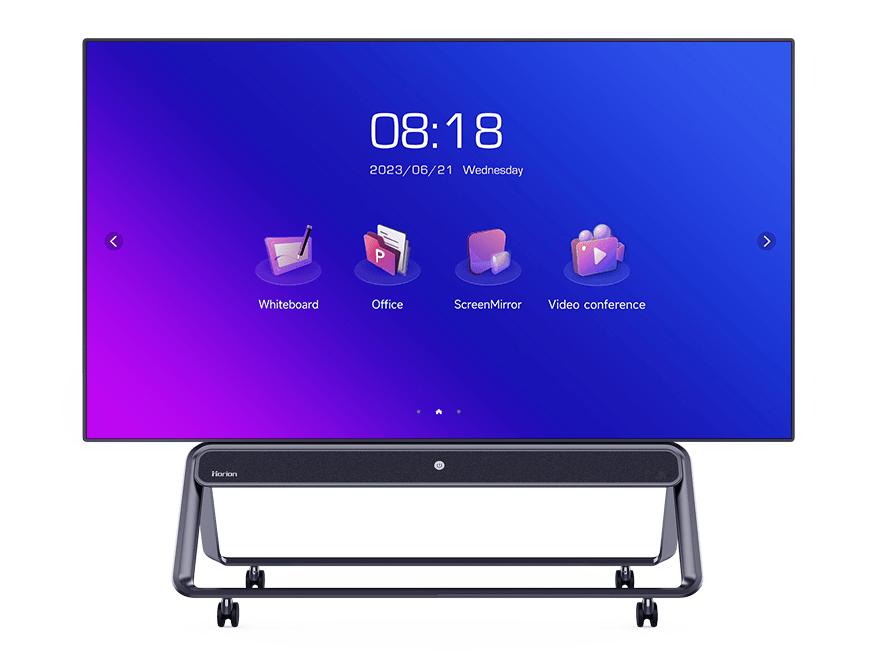


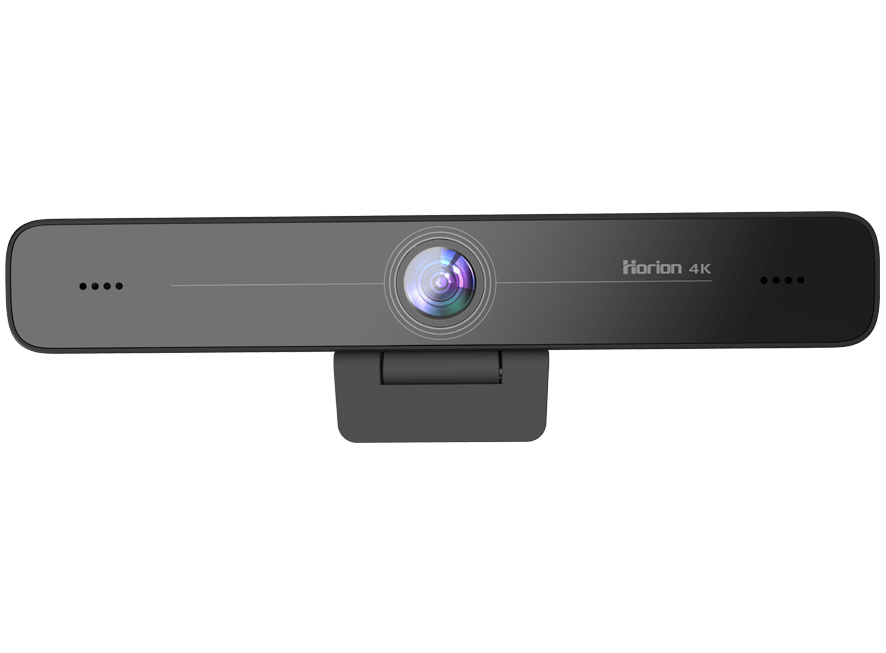
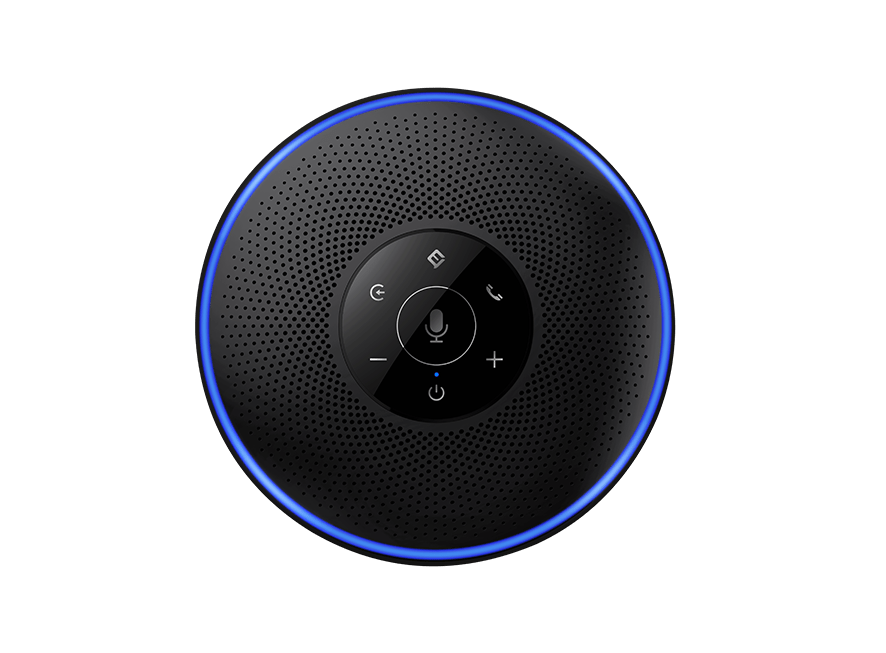
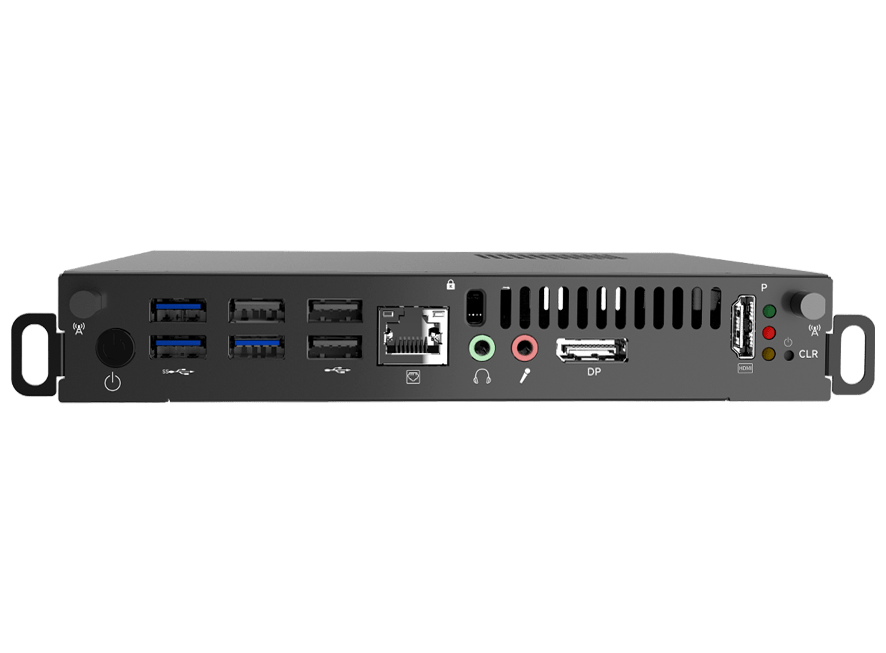
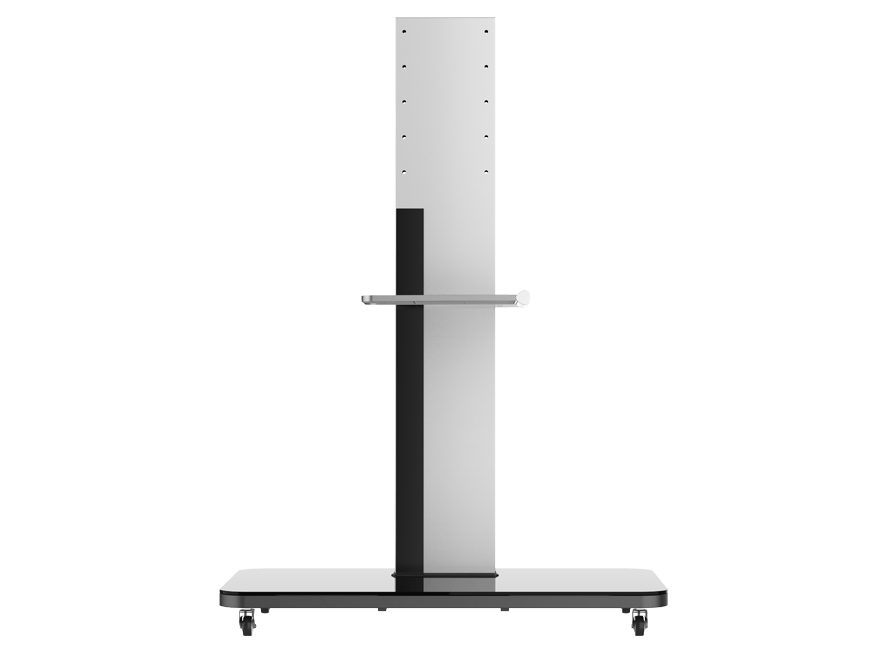
If you’ve ever watched students light up during a lesson or seen a team collaborate like never before, chances are a smart board interactive display was involved.
These modern screens are transforming classrooms, meeting rooms, and training environments by making interaction feel natural, fluid, and fun. But hardware alone isn’t what creates magic. It’s the apps that unlock the real potential.
Whether you’re teaching algebra, brainstorming for a campaign, or hosting virtual meetings, the right software can take your experience from basic to groundbreaking.
In this guide, we’re exploring ten apps that pair beautifully with smart board interactive displays. They add productivity, creativity, and engagement for every type of user.
Explain Everything
Explain Everything remains one of the most versatile apps for interactive teaching and real-time collaboration. With its infinite canvas, multimedia support, and recording tools, it turns your display into a dynamic storytelling platform.
The app allows educators and professionals to draw, annotate, brainstorm, and present in ways that make lessons and workshops far more immersive than traditional slides.
Microsoft Whiteboard
Microsoft Whiteboard is rapidly becoming a staple in digital classrooms and corporate environments. It syncs flawlessly across devices, making it perfect for hybrid sessions.
On a smart board interactive LCD display, the app feels incredibly intuitive, allowing users to sketch, plan, map ideas, and revisit previous boards whenever needed. Its simplicity combined with deep functionality makes it ideal for both educators and teams.
Google Workspace Apps
Google Workspace apps like Docs, Sheets, and Slides shine even brighter on large interactive screens. Teachers can annotate essays, teams can edit spreadsheets together, and presenters can update slides in real time.
What makes Workspace powerful on a smart board interactive display is the seamless multi-user interaction. Students or colleagues can walk up, touch the screen, and collaborate instantly—no laptops required.
Kahoot!
Kahoot! is the king of interactive learning games, and using it on a large touch-enabled display makes the entire experience more engaging. Students can see questions clearly, respond with excitement, and feel like active participants in the room.
The app’s playful nature encourages friendly competition and boosts retention, making it one of the most widely used classroom tools today.
Zoom
Video conferencing transforms on an interactive screen. With Zoom on a board, participants can annotate directly on shared documents, navigate agendas, and interact with content without switching between devices.
Whether you’re conducting online classes or running a hybrid team meeting, Zoom’s annotation and share-screen features make full use of the display’s capabilities.
Miro
Miro has become a powerhouse for teams needing visual collaboration. Its huge canvas is perfect for brainstorming, mapping workflows, and planning projects. When displayed on a smart board interactive LCD display, the tactile experience elevates collaboration.
Teams can move sticky notes around, draw ideas, and build complex diagrams faster than they ever could on laptops. It’s a must-have for design, marketing, and strategy teams.
Adobe Acrobat Reader
Here’s another great app you’ll find in a smart board interactive display.
Whether reviewing reports, marking PDFs, or presenting documents, Adobe Acrobat Reader becomes incredibly powerful when combined with touch interaction.
Teachers can highlight passages, sign documents, and annotate diagrams live. Businesses can review contracts, point out changes, and collaborate more effectively during meetings.
GeoGebra
GeoGebra is loved by math and science educators for its dynamic graphs, 3D models, and intuitive simulation tools. On a large board, the visuals pop, and students can manipulate shapes, angles, and functions directly on the screen.
The interactive element simplifies complex mathematical concepts and makes demonstrations more memorable.
YouTube
YouTube isn’t just for entertainment—it’s one of the most important learning tools today. Whether showing tutorials, documentaries, product demos, or concept animations, displaying videos on a large interactive screen elevates engagement.
Teachers and teams can pause, annotate, and discuss videos instantly, turning passive watching into active learning.
Canva
Designing posters, presentations, worksheets, or social media graphics becomes surprisingly fun with Canva on a touch display.
Users can drag elements, adjust text, and experiment with layouts just like they would on a tablet—but bigger. For classrooms, it’s perfect for group projects. For offices, it helps with marketing visuals and quick mock-ups during brainstorming.
FAQs
What is the best app to use for teaching on a smart board?
Explain Everything is one of the most versatile options for dynamic teaching.
Can I use my regular Google apps on an interactive display?
Yes, Google Workspace apps work seamlessly and allow real-time collaboration.
Do these apps require subscriptions?
Some do, but many have free versions with essential features.
Is Zoom compatible with interactive displays?
Yes, and it allows annotations directly on the shared screen.
Which app is best for brainstorming sessions?
Miro is ideal for visual collaboration and team planning.
Can students interact directly with the apps?
Yes, most apps support direct touch interaction for students.
Is YouTube effective for classroom use?
Absolutely, especially when combined with annotations and pausing for discussions.
Are these apps suitable for business meetings?
Yes, tools like Zoom, Miro, and Acrobat Reader are perfect for corporate use.
Can Canva be used for group projects?
Yes, groups can design together directly on the board.
Do these apps work on all models of smart boards?
Most modern apps are compatible with the majority of interactive displays.
Conclusion
A smart board interactive LCD display can only deliver its full potential when paired with the right software, and the apps above are among the best choices for boosting engagement and productivity. Whether you’re teaching or brainstorming, these tools make digital collaboration more human.
Investing in powerful apps means you’re not just using a display—you’re creating a space where ideas move, grow, and come alive. With the right combination of apps, you can turn every lesson or meeting into an experience that captivates, inspires, and delivers real results.