



In today’s fast-paced corporate world, meetings have become both a blessing and a curse. They are essential for decision-making, strategy alignment, and team collaboration, but they can also become time-consuming and repetitive. The solution? Interactive display screens, which are transforming traditional meeting rooms into smart collaboration hubs. In the past decade, this technology has evolved from a novelty into a necessity, and it is now reshaping how teams work, communicate, and innovate. This article explores why interactive display screens are not just an upgrade but the future of smart meetings.
Understanding Interactive Display Screens
What is an Interactive Display Screen?
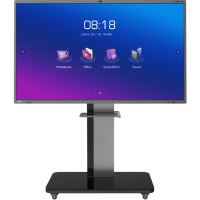
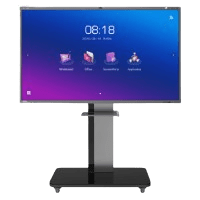
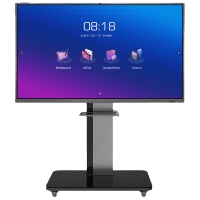
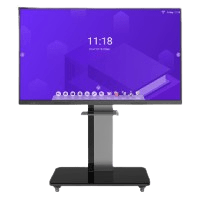
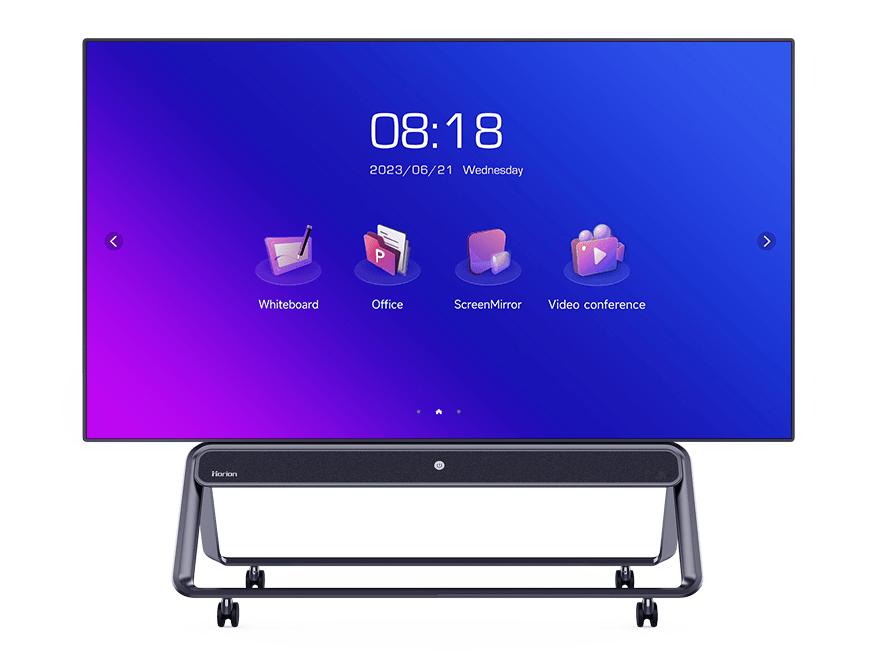
An interactive display screen is a large touch-enabled panel that supports multi-user interaction. It is more than just a monitor; it functions as a digital whiteboard, a presentation tool, and a collaborative workspace. Unlike traditional displays, interactive screens allow multiple users to annotate, draw, write, and interact with content in real time. They are often referred to as interactive flat panels, smart boards, or digital whiteboards. In a hybrid meeting environment, they bridge the gap between physical and virtual participants, making collaboration seamless and efficient.
How Interactive Displays Differ from Traditional Displays
Traditional displays are primarily used for viewing content. You present a slide deck, and the audience watches. Interactive displays, however, invite participation. They turn passive viewers into active contributors. They support features such as multi-touch, wireless screen sharing, built-in cameras, and collaboration software. If a traditional display is a TV, an interactive display is a digital canvas where ideas come to life. This shift is not just technological—it’s cultural. It changes how teams interact and how decisions are made.
Why Smart Meetings Are Taking Over
The Hybrid Work Transformation
Hybrid work is not a temporary trend; it’s the new normal. Many organizations now operate with employees working from home, office, and even multiple time zones. In this environment, meetings must be more inclusive, engaging, and efficient. Interactive displays play a key role in this transformation because they support cloud-based collaboration, real-time editing, and seamless connectivity. They are designed for hybrid work, making remote participants feel just as involved as those in the room.
From Passive Meetings to Active Collaboration
Traditional meetings often involve a presenter talking to a room full of passive listeners. Smart meetings, however, are about participation. Interactive displays encourage collaboration by enabling team members to annotate documents, draw diagrams, and brainstorm directly on the screen. This creates a dynamic environment where ideas are shared instantly, decisions are made faster, and outcomes are more actionable. It’s like turning a lecture into a workshop.
Market Size, Growth & Future Projections
The Overall Interactive Display Market (2024–2033)
The interactive display market is experiencing rapid growth. In 2024, the market was valued at USD 48.7 billion, and it is expected to reach USD 94.6 billion by 2033, with a 7.27% CAGR. This growth reflects the increasing demand for interactive technology across various industries, including corporate, education, retail, and healthcare. Different research firms report slightly varying numbers, but the overall trend is clear: the market is expanding fast. The key driver is the demand for better collaboration tools, especially in hybrid environments.
Smart Meeting-Specific Market Growth
When we focus specifically on smart meetings, the numbers become even more impressive. The Smart Conference Room Systems market is expected to grow from USD 8.55 billion in 2025 to USD 27.44 billion by 2033, representing a 15.69% CAGR. This shows that the demand for smart meeting technology is growing faster than the broader interactive display market. The reason is simple: meetings are the core of business communication, and organizations want smarter tools to make them more effective.
Regional Market Breakdown
North America holds the largest market share, accounting for 39% of the global market in 2024, driven by strong hybrid work adoption. Asia-Pacific is the fastest-growing region, holding 41% of global unit sales in 2023 and growing at 8.6% CAGR. Europe holds 26–28% market share, while the Middle East and Africa region is expanding quickly at 9.7% CAGR. This global growth shows that interactive displays are becoming a universal standard for modern meetings.
Key Features That Make Interactive Displays Powerful
Touchscreen & Multi-Touch Functionality
Interactive displays are designed for multi-user interaction. Modern displays support multi-touch, allowing teams to collaborate simultaneously. This is especially useful for brainstorming sessions, workshops, and collaborative planning. High-end models support up to 20-point touch, making them ideal for classrooms, design studios, and corporate boardrooms. Multi-touch functionality is the foundation of the interactive experience.
Built-in Collaboration Tools & Software
Most interactive displays come with integrated collaboration software. This includes annotation tools, whiteboarding apps, and cloud-based file sharing. These tools turn meetings into active sessions where ideas are created, edited, and saved in real time. Many systems also support digital signage CMS and remote device management, making them ideal for multi-location organizations.
Wireless Connectivity and Screen Sharing
Wireless screen sharing is a major advantage of interactive displays. Participants can connect their laptops or smartphones without cables, making meeting setup fast and efficient. Whether you are presenting a spreadsheet, a video, or a design mockup, wireless connectivity ensures a smooth experience. It reduces technical delays and improves meeting flow.
Integrated Video Conferencing Hardware
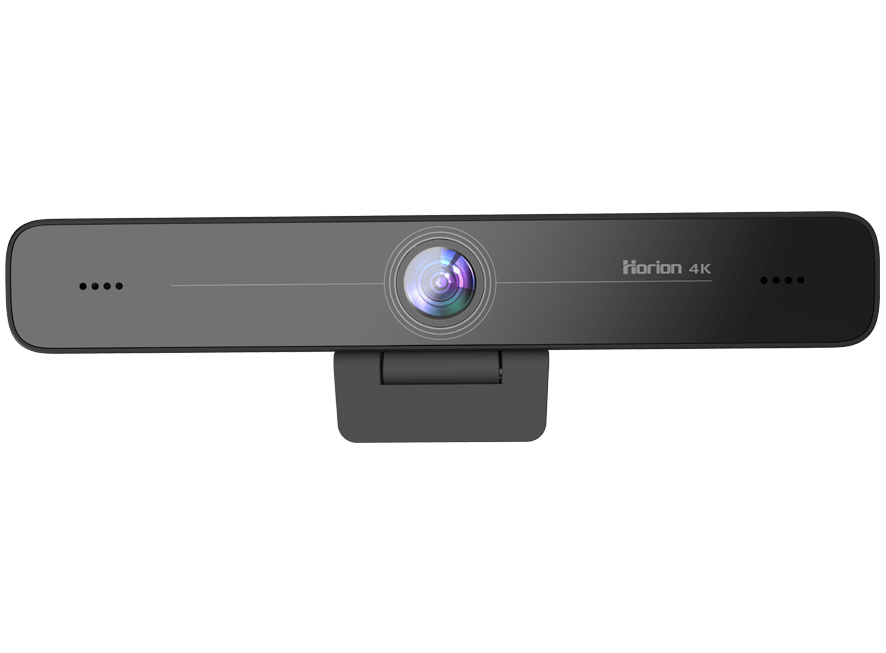
Many interactive displays now include built-in cameras, microphones, and speakers. This makes them a complete video conferencing solution. Video conferencing hardware is growing rapidly, reflecting the importance of remote collaboration. These systems ensure that remote participants feel included and that communication remains clear and effective.
Industry Adoption and Real-World Use Cases
Corporate Boardrooms and Huddle Rooms
Corporate boardrooms are one of the biggest adopters of interactive displays. These screens help teams present data, annotate documents, and collaborate in real time. Small rooms remain the largest segment due to cost-effectiveness, but huddle rooms are expected to grow at the fastest rate. Companies now choose large-format interactive touch screens for high-impact presentations and collaborative decision-making.
Education and Training Environments
Education is a major adopter of interactive displays. Classrooms and training centers use them for interactive lessons, group activities, and digital learning tools. Interactive displays improve student engagement, support visual learning, and make lessons more interactive. They are transforming traditional classrooms into modern learning environments.
Design Workshops, Retail, and Project Management
Interactive displays are used in design workshops, retail, and project management. Design teams use them for brainstorming and collaborative review sessions. Retail businesses use them for product showcases, digital menus, and customer engagement. Project managers use them for planning, tracking, and real-time collaboration.
Technology Segmentation and Trends
Display Types: LCD, LED, OLED, and Direct-view LED
Display technology is evolving rapidly. LCD-based displays still dominate, but LED and OLED are gaining popularity due to higher brightness and energy efficiency. Direct-view LED is the fastest-growing segment, offering superior visual quality and flexibility. These advancements improve screen durability, color accuracy, and overall display quality.
Panel Sizes and Installation Patterns
Panel size is important in meeting room design. 65 inches and above is standard in most meeting rooms, while smaller screens are used for huddle rooms and personal setups. This reflects the trend toward modular meeting spaces and flexible office layouts.
AI, IoT, and Connectivity Innovations
AI and IoT are shaping the future of smart meetings. AI-powered features like facial recognition, noise cancellation, and real-time transcription are becoming standard. IoT-enabled rooms with occupancy sensors and voice activation improve efficiency and energy management. Cloud-based management makes it easier for IT teams to manage multiple displays.
Cost, ROI, and Common Challenges
Cost Structure and Return on Investment
Interactive displays require investment, but the ROI can be substantial. Hardware costs account for a large portion, while software licensing and installation add to the total cost. However, organizations recover investment through improved productivity, reduced meeting time, and better decision-making. Compared to traditional projectors and whiteboards, interactive displays offer long-term value.
Adoption Challenges and Interoperability Issues
Challenges include supply chain disruptions, rising component costs, and platform fragmentation. Interoperability between Microsoft Teams, Zoom, and Google Meet remains a challenge for many organizations. Total cost of ownership can increase due to maintenance and subscription costs. Yet, demand for interactive experiences continues to grow.
Future Outlook: 2025–2035 and Beyond
Short-Term and Medium-Term Growth Drivers
In the short term, growth will be driven by huddle rooms, SME adoption, and AI features. Direct-view LED costs are declining, making advanced displays more affordable. In the medium term, market consolidation will occur, with top players controlling major market shares. 4K will become standard, while 8K will emerge in enterprise settings.
Long-Term Trends: AR/VR, Holographic Displays
Looking ahead, interactive displays will likely approach USD 100 billion globally. Emerging technologies like AR/VR and holographic displays will redefine collaboration, offering immersive experiences. This future will not just be about touch screens—it will be about intelligent, immersive collaboration spaces.
Conclusion: Smart Meetings Are Here to Stay
Interactive display screens are more than a technological upgrade—they represent a new era of smart meetings. With a multi-billion dollar market, rapid growth, and widespread adoption, smart meetings are clearly the future. As hybrid work continues to evolve, interactive displays will become essential for collaboration, productivity, and innovation. The smart meeting revolution has begun, and it’s only going to accelerate.